
Live Handoff
Humans, exactly when it matters.
Vivollo resolves the routine and knows when to step back. When a conversation needs a person, it hands over the full thread, memory and customer context in real time — then quietly resumes once the human is done.
AI handling
Resolved 2 routine chats this thread.
Escalation triggered
Refund request over your auto-approve limit.
Agent notified
Pending → routed to an available agent · 8s.
Maya took over
Stepped in with everything already loaded:
context handed overhistorymemorycustomercart
AI resumes the thread once Maya is done.
The moment a person takes over.
Most bots hand over a blank screen. Vivollo hands over the thread, the tools it ran and what it already promised — so your colleague answers instead of asking again.
01Desk
The customer sees one conversation. So does your team.
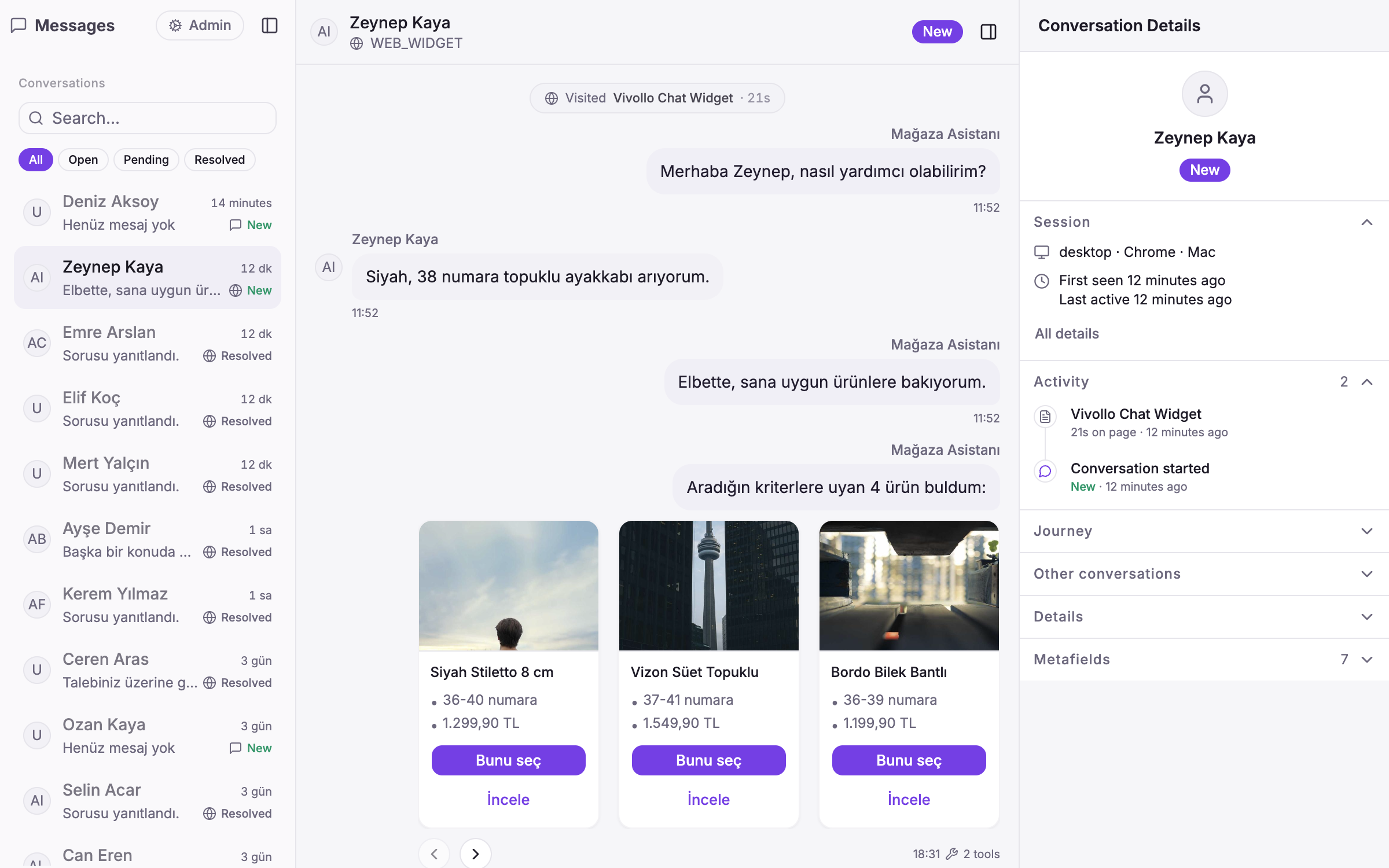
The assistant checks the policy, sees the refund is over its limit and hands the thread to a person — with the order, the memory and the tool results already in the rail.
- Nothing repeated
- The thread, the tool calls and the customer record travel with the handoff.
- Real time
- Pending, then assigned to whoever is free — on your desk or in Vivollo's inbox.
- Resumes
- When the person closes it, the assistant picks the thread back up.
02Rules
You decide when a person steps in.
A refund over a limit, an angry customer, a VIP, a plain “let me talk to someone”. The rules are yours; the assistant handles everything else.
Triggers
Value thresholds, sentiment, an explicit request, VIP routing.
Context
History, memory, the customer and order record — carried over, not summarised away.
Resume
One conversation throughout: none → pending → active → ended, then the assistant again.
- Refund over 2,000 TLhand off
- Sentiment: angryhand off
- Customer asks for a personhand off
- VIP segmentpriority
Handoff states
- none
- pending
- active
- ended
Proof of control
An escalation, with the context carried.
The refund is over the limit. The assistant does not guess: it marks the thread pending, notifies the team with everything attached, and steps back in when Maya is done.
- 1detect_intent180 msInput'return #10482'refund · 4,200 TL180 ms
- 2check_policy40 msInputrefund limitlimit 2,000 TL · over40 ms
- 3handoff25 msInputpending · context attachedteam notified · history, memory, order25 ms
- 4assign8 sInputMayaactive · took over8 s
- 5resume10 msInputended → assistantthread continues10 ms
Connected channels and stores
All integrations- Web widget
 Connexease
 Grispi
- Zendesk
Ready to meet your AI agent?
Book a demo and we'll build a working agent on your real data — across WhatsApp, Instagram and your website. Live in days.