
AI customer service for WooCommerce: what actually works
WooCommerce is self-hosted, so the win isn't the platform — it's connecting AI to your live orders and catalog. What an agent reads, writes, and resolves.

Short answer: yes, AI customer service works on WooCommerce — and the thing that decides whether it works has almost nothing to do with WooCommerce itself. It's whether the agent can reach your live orders and catalog and read your policies. Get that right and most stores resolve 60–75% of their conversations without a human; a fashion store we work with, İnce Topuk, runs at 66% with a median first reply around 8 seconds. Get it wrong and you have a glorified FAQ box.
The reason this needs its own guide — separate from the Shopify version — is that WooCommerce is self-hosted WordPress, and that changes what "connecting the AI" actually means. Most "WooCommerce chatbot" articles skip this and hand you a plugin listicle. Here's the operator version.
Does AI customer service actually work on WooCommerce?
Yes, for the repetitive majority of your inbox — the same order-status, stock, sizing, and returns questions that dominate any store. The catch is how the AI reaches them. On WooCommerce the answer is the REST API: the agent connects to your store over WooCommerce's own API and reads live products and orders directly, so it answers from what's actually true right now, not a nightly export.
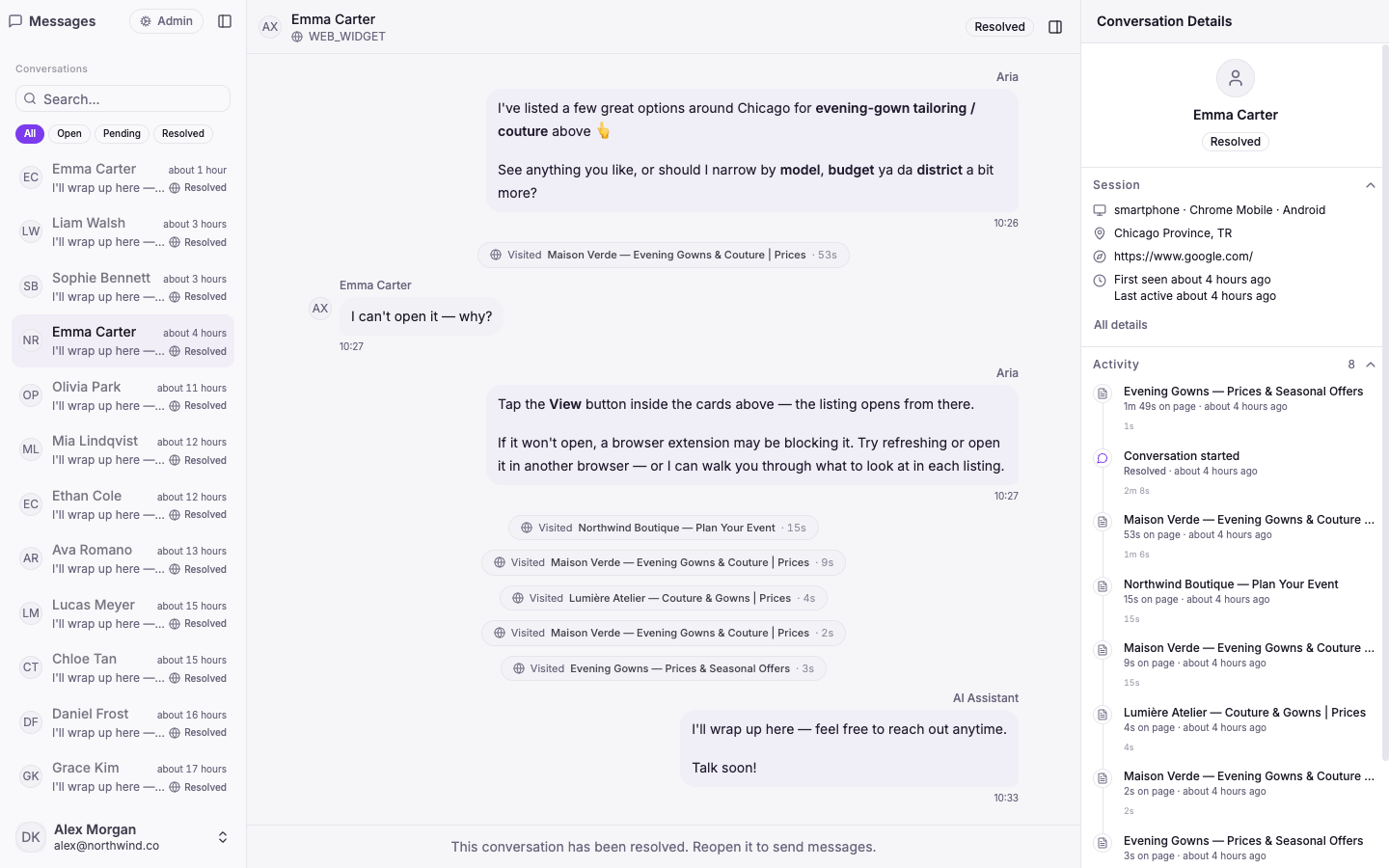
That single capability is the whole difference between a bot that talks and an agent that acts. A keyword FAQ widget matches "return" and pastes your returns text. An agent looks up order #10482, confirms it shipped, and sends the real tracking link — in the same turn.
Why WooCommerce is different from Shopify
Shopify is one hosted platform behind one consistent API — every store looks broadly the same to an integration. WooCommerce doesn't work that way, and pretending it does is how tools disappoint:
- It's self-hosted WordPress. Your store is your server, your theme, your plugins. There's no single vendor-managed surface; there's your stack.
- Gateway and shipping variance. Payments, shipping, and tax often run through different plugins per store, so "the order data" isn't laid out identically everywhere.
- The reliable common ground is the REST API. Products, orders, and order status/actions are exposed consistently through WooCommerce's REST API — that's the stable surface an agent should build on, not a fragile scrape of your theme.
The practical implication: on WooCommerce, the setup work is connecting to the right data cleanly. The AI is the easy part; the plumbing is where cheap tools cut corners.
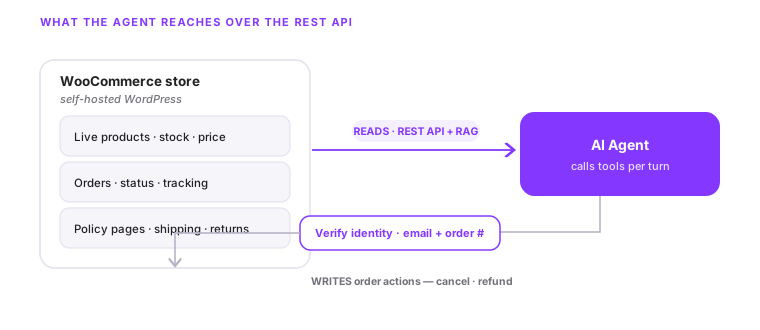
What the agent can actually do, tool by tool
An agent for a WooCommerce store isn't one feature; it's a handful of tools it calls when the conversation needs them. The ones that carry a store:
| The customer asks… | The agent does | Grounded in |
|---|---|---|
| "Is the linen shirt in M?" | Searches live products, returns stock + price | Your live WooCommerce catalog |
| "Where's order #10482?" | Looks up the order, replies with status + tracking | WooCommerce order data |
| "Cancel my order" | Verifies identity, then cancels or refunds | WooCommerce order actions |
| "What's your return window?" | Answers from your own policy pages | Your knowledge base |
| "Do you ship to Germany?" | Answers shipping/policy questions from your docs | Retrieval over your content |
The recommendation quality comes from reading the live catalog — real variants and stock — so it doesn't offer a sold-out size. And where a question is genuinely outside what it should decide, it stops and hands off to a person with the full thread attached.
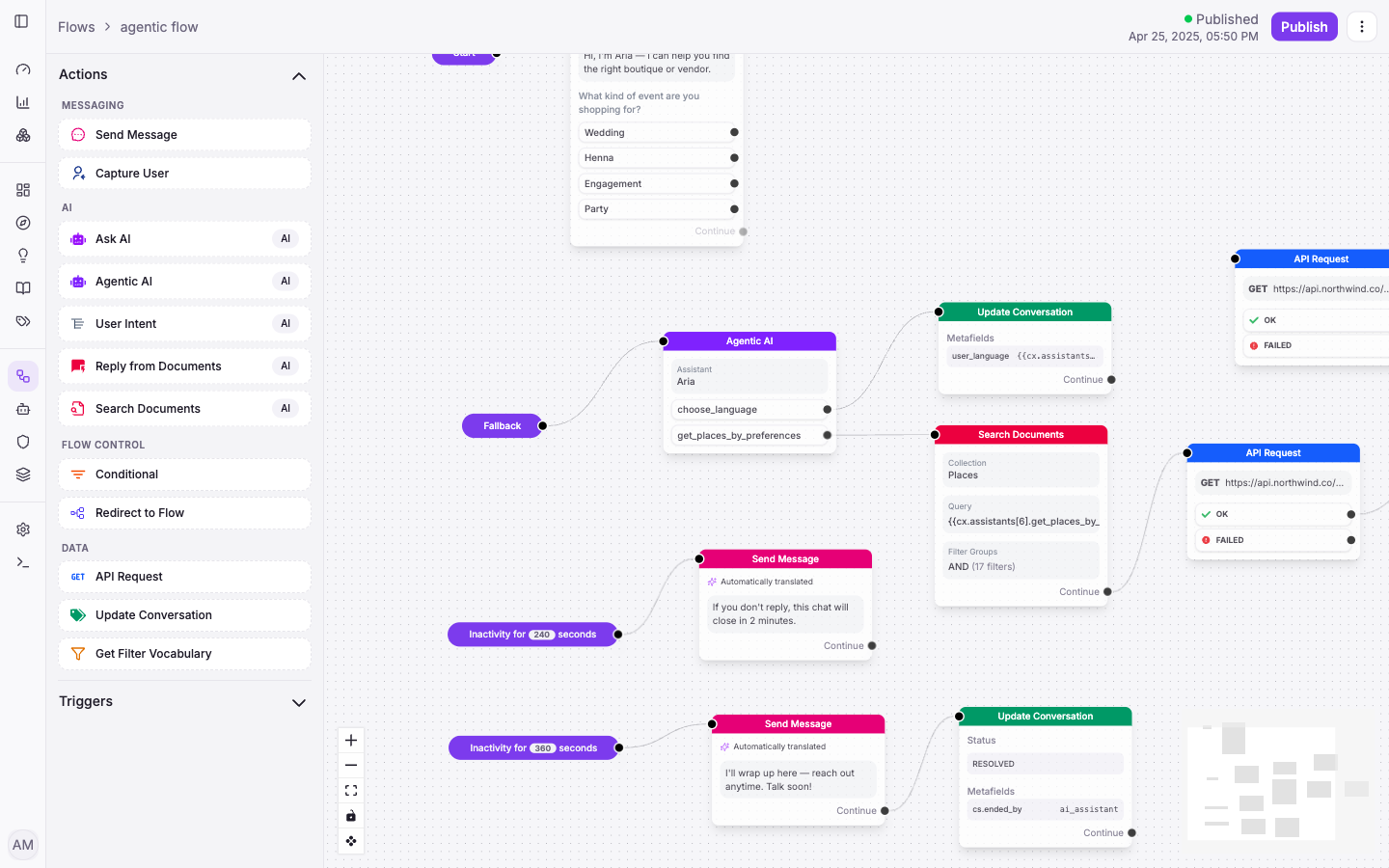
FAQ plugin vs an agent that acts
Search "WooCommerce chatbot" and you'll get a wall of plugins that do one thing: answer questions from a canned list. That's fine for "what are your hours?" It's useless for "where's my order?" — the single most common e-commerce question, and one a canned FAQ can never answer because the answer is different for every customer and changes every day.
An agent closes exactly that gap. The FAQ plugin caps out at the share of questions that are pure, static FAQ — usually a minority of the inbox. The agent reaches the transactional majority because it can do the lookup. That's the difference between a tool that lowers your reply time on a few questions and one that genuinely removes tickets.
The one safety step a WooCommerce chat needs
Here's the part FAQ plugins never have to solve, because they never touch real data: identity verification. A chat has no logged-in session, so before the agent reveals or changes an order it has to confirm the person is who they say — typically with their email plus order number. Only then does it return status, cancel, or refund.
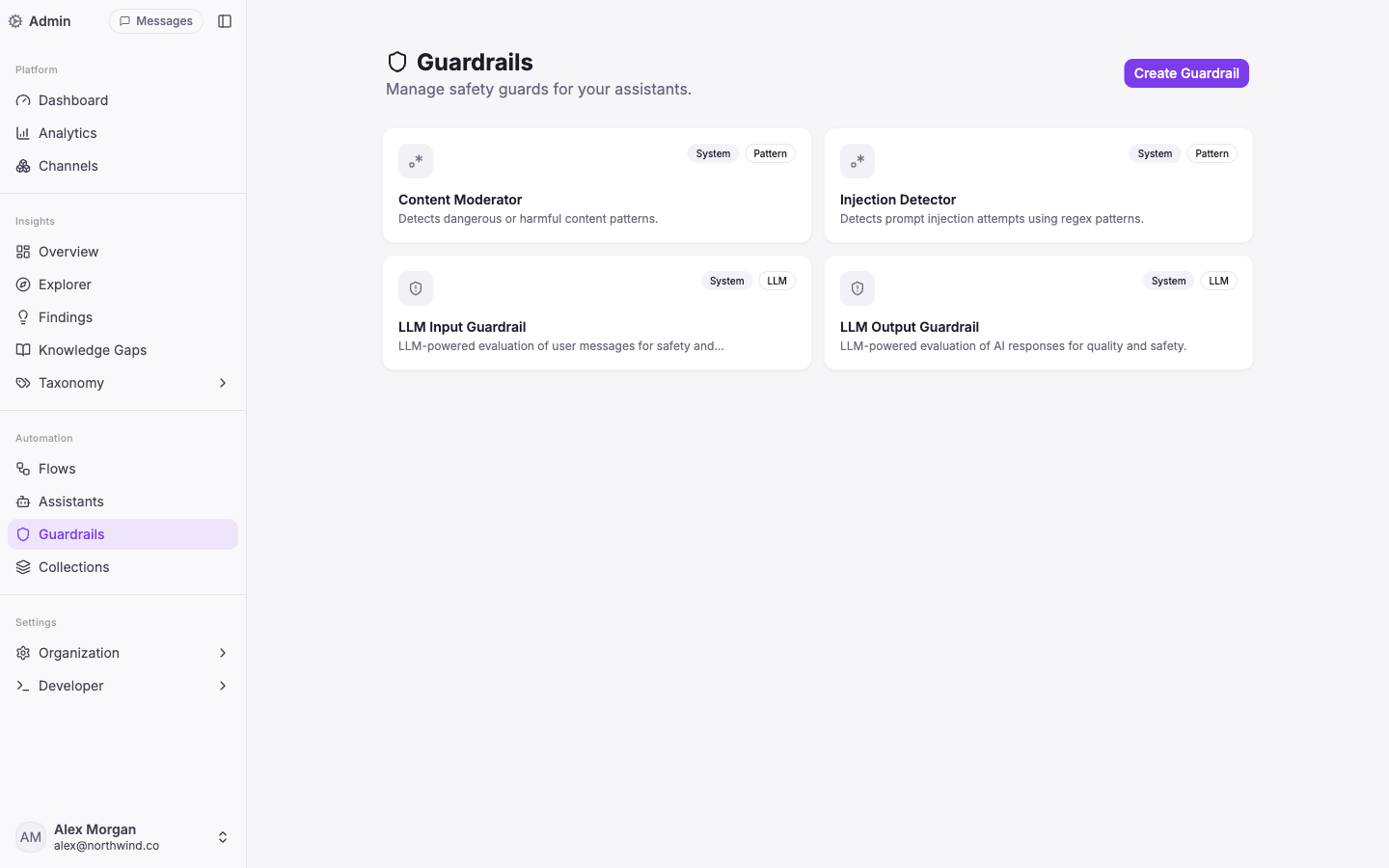
That's also where guardrails matter. Customers paste emails, phone numbers, sometimes card details into chat; those should be detected and redacted, not logged in the clear — a real requirement under GDPR, and under KVKK if you sell in Turkey. Verification plus redaction is what makes it safe to let an agent act on orders at all, rather than just answer questions.
What it takes to add it to your store
Three connections and one decision — less than people expect for a self-hosted platform:
- Connect over the WooCommerce REST API so the agent reads live products and orders. See the WooCommerce integration for what it reaches out of the box.
- Feed it your truth — catalog, sizing, shipping and returns policy — so it answers from your store, not from guesses. This one factor explains most of the gap between a 40% and a 70% deployment.
- Design the handoff and verification — which cases go to a person, and the check the agent runs before it acts on an order.
The work that determines success isn't the WordPress connection; it's how well the agent is grounded in your catalog and policies — exactly as it is for a small store on any platform.
If you run a WooCommerce store and want to see which of your conversations an agent could resolve end to end — and which should always reach a person — that mapping is the first thing we do. See how it works for e-commerce, Shopify or WooCommerce alike.
Common questions
- Does AI customer service work with a self-hosted WooCommerce store?
Yes. It connects through the WooCommerce REST API, so it reads your live products and orders directly from your WordPress store — no separate catalog to maintain, no re-platforming. Self-hosted is not a blocker.
- Is a WooCommerce AI chatbot just an FAQ plugin?
Most are — they answer from a canned list and can't touch an order. The difference that matters is whether it can act: look up an order, check live stock, start a return. That's an agent, not a keyword FAQ widget.
- Can it actually look up, cancel, or refund WooCommerce orders?
Yes, with identity verification. Because a chat has no logged-in session, the agent confirms the customer with their email and order number before it reveals or changes anything — then it can return status, cancel, or refund.
- Will it slow down my WordPress site?
It shouldn't. The agent runs off your WordPress server and talks to it over the REST API; the on-site part is a lightweight chat widget, not a heavy plugin doing the AI work inside WordPress.
- How much of my support can it resolve on WooCommerce?
For most stores, 60–75% once it can reach your live catalog and orders and read your policies. The number is driven by knowledge coverage and system access, not the platform — see what drives the rate.
About the author

Davut KemberCo-Founder & Full-Stack Developer
Co-founder of Vivollo, building the agentic support platform end to end. He writes about the engineering reality of AI agents that take real actions — and what actually moves resolution rates and reply times.
Davut Kember →Keep reading
AI customer service for small business: what AI handles, what you keep
An AI agent resolves 66–72% of a small store's conversations — orders, sizes, returns — so a team of 1–5 covers the rest. What works, and how to start.
Best AI customer support software for small business (2026)
An honest buyer's guide: why the resolution-rate leaderboards mislead, what to check on pricing, and how a small store should actually choose.
WhatsApp AI chatbot for Shopify: what actually works
What an AI agent on WhatsApp can really do for a Shopify store — live catalog answers, order lookups, and the 66% of chats real stores resolve without a human.