
Assistants overview
Learn what an assistant controls and when to create more than one.
An assistant controls how Vivollo's AI talks and works. Flows use an assistant whenever they need an AI response or an autonomous agent.
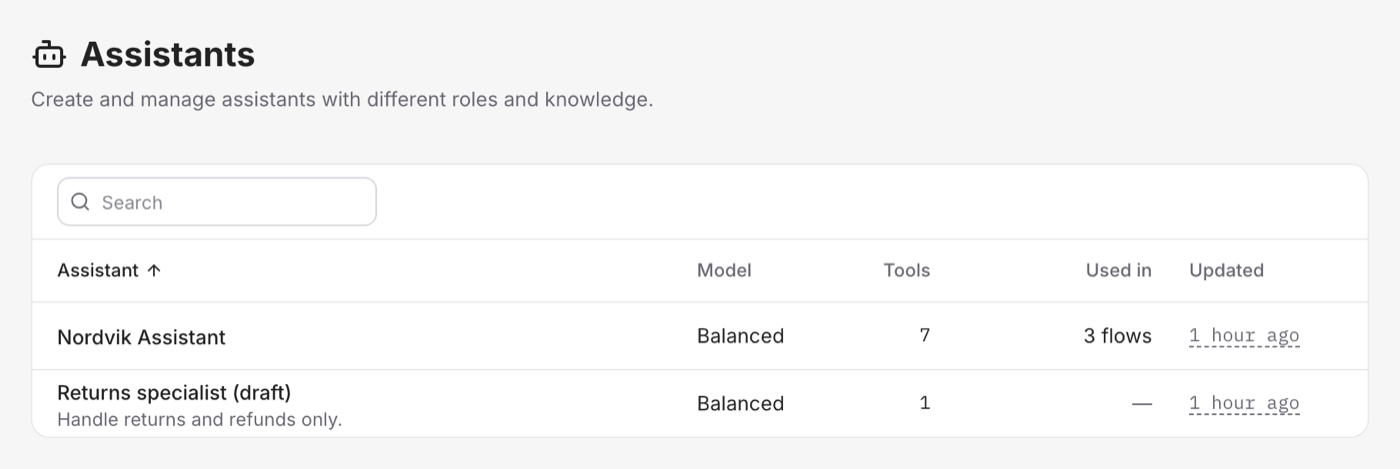
What an assistant contains
Each assistant has:
- Instructions that define its role, tone, rules, and limits
- A model tier that balances speed, quality, and cost
- A creativity setting that controls how varied its replies can be
- A response length limit
- Access to selected knowledge and tools
- Optional guardrails for safety and privacy
Do you need more than one?
Start with one assistant. Create another only when a task needs clearly different instructions or model settings.
For example:
- A sales assistant can be friendly and focused on product discovery.
- A support assistant can be more careful with orders, returns, and account data.
Your flows decide which assistant handles each step.
Reliability
Vivollo manages the AI providers behind each model tier. If an available provider has a problem, an equivalent model can take over without changing your flow.