
Actions reference
Find the right action for each step in a flow.
Actions are the blocks you connect in a flow. Each action does one job, such as sending a message, searching knowledge, or calling an API.
Action groups
| Group | Use it for |
|---|---|
| Control | Starting, waiting, and closing a conversation |
| Messaging and capture | Sending content and collecting answers |
| AI and data | Using AI and searching knowledge |
| Flow control | Creating branches or moving to another flow |
| Integration | Calling APIs, reading and writing spreadsheets, updating connected systems |
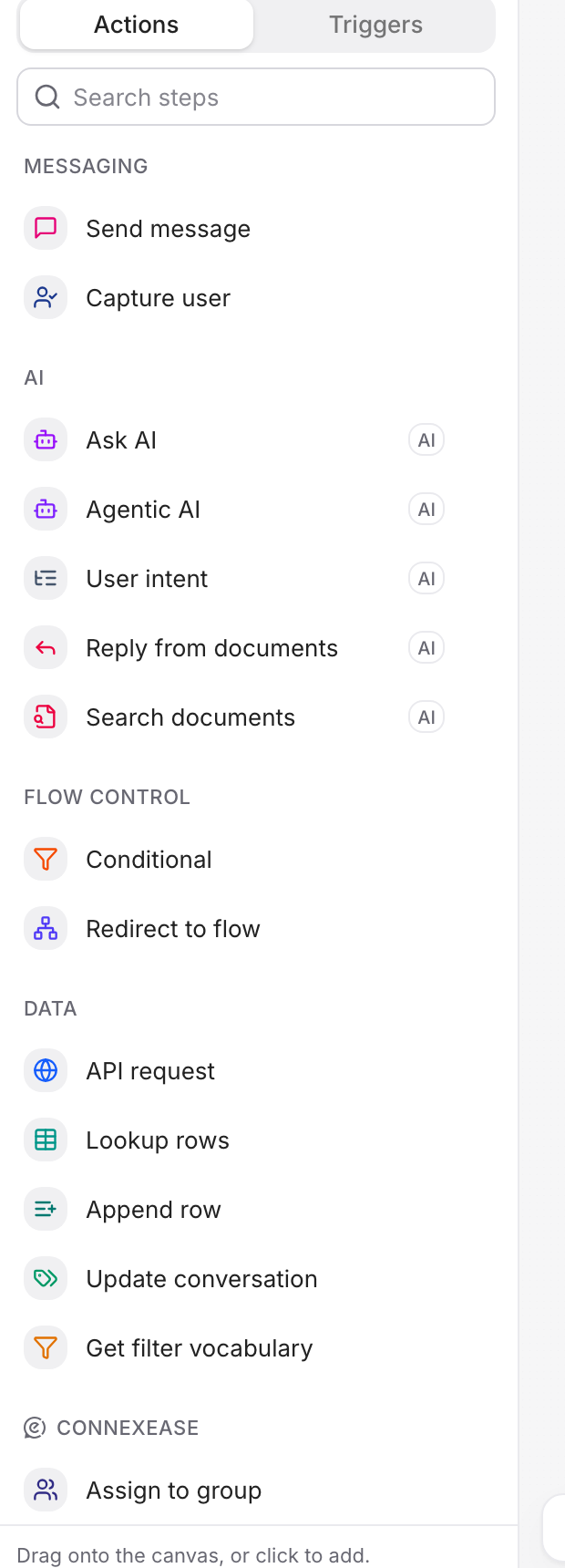
Actions at a glance
| Action | What it does |
|---|---|
| Conversation opened | Runs when a conversation opens before the customer sends a message |
| Message received | Handles customer messages that are not waiting for another answer |
| Inactivity | Continues after the customer has been silent for a set time |
| Resolving / Resolved | Closes a completed conversation |
| Send message | Sends text, options, carousels, forms, or JSON |
| Capture user | Collects and validates name, email, or phone |
| Agentic AI | Lets an assistant use tools and handle a request across several steps |
| Ask AI | Gets one response from an assistant |
| User intent | Classifies a message and routes it to a matching path |
| Search documents | Returns matching records from a collection |
| Reply from documents | Writes an answer from matching knowledge |
| Get filter vocabulary | Returns the available filters in a collection |
| Conditional | Branches using known values |
| Redirect to flow | Continues the conversation in another flow |
| API request | Sends an HTTP request to another system |
| Lookup rows | Finds rows in a connected spreadsheet |
| Append row | Adds a row to a connected spreadsheet |
| Update conversation | Changes the status or metafields of a conversation |
| Connexease actions | Updates assignment, customer, and conversation data in Connexease |
Variables
Variables carry information between actions. Insert one with double braces:
Thanks {{customer_name}}. I found order {{order_id}}.A value can come from the customer profile, a previous answer, an API response, an action result, or conversation memory.
Routes
A route decides which action runs next. Some actions have one route; others have different routes for success, failure, selected option, or detected intent. Always connect failure and fallback routes when they are available.