
Guardrails overview
Check incoming and outgoing messages for safety, privacy, and topic rules.
A guardrail checks conversation content against a rule. Use guardrails to protect personal information, keep the assistant on topic, and enforce business limits.
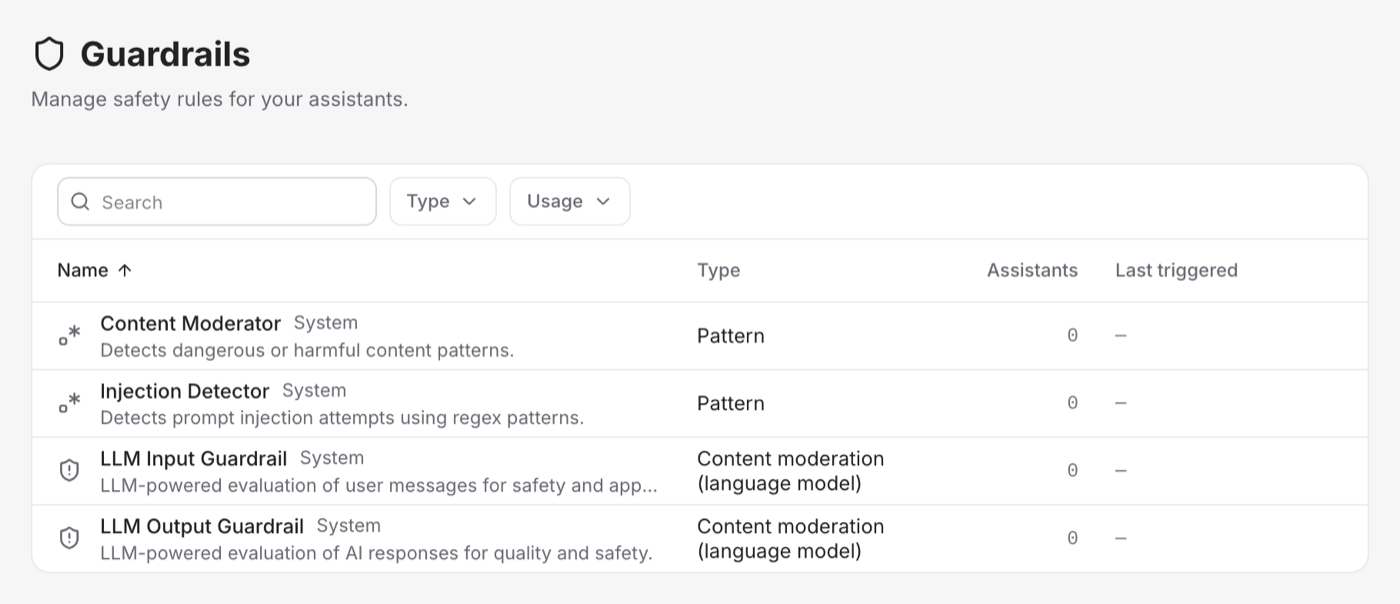
Incoming and outgoing checks
- Incoming guardrails check customer messages before the assistant uses them.
- Outgoing guardrails check assistant replies before the customer sees them.
You choose which guardrails run in each direction and their order.
What happens when a rule matches?
Depending on the guardrail, Vivollo can:
- Block the message and show an explanation
- Redact sensitive values, such as replacing an email with
[EMAIL_REDACTED] - Rewrite an outgoing reply and check the revised version again
Checks also work while a response is streaming. Sensitive data is held until it can be checked, including values split across streaming chunks.
Start with these rules
Vivollo provides system guardrails for common risks. Add or adjust custom rules for your own business.
For most assistants:
- Add a PII guardrail to incoming and outgoing messages.
- Add a topic rule if the assistant has a limited role.
- Test allowed, blocked, and redacted examples before publishing.
See Guardrail types and PII and compliance for details.