Team & roles
Invite your teammates and give each the right level of access — from full admin to agents who just answer chats.
Vivollo is better as a team sport. You invite your colleagues, give each the right level of access, and they pitch in where they're needed — answering conversations, building flows, or running the whole show. This page covers how that works.
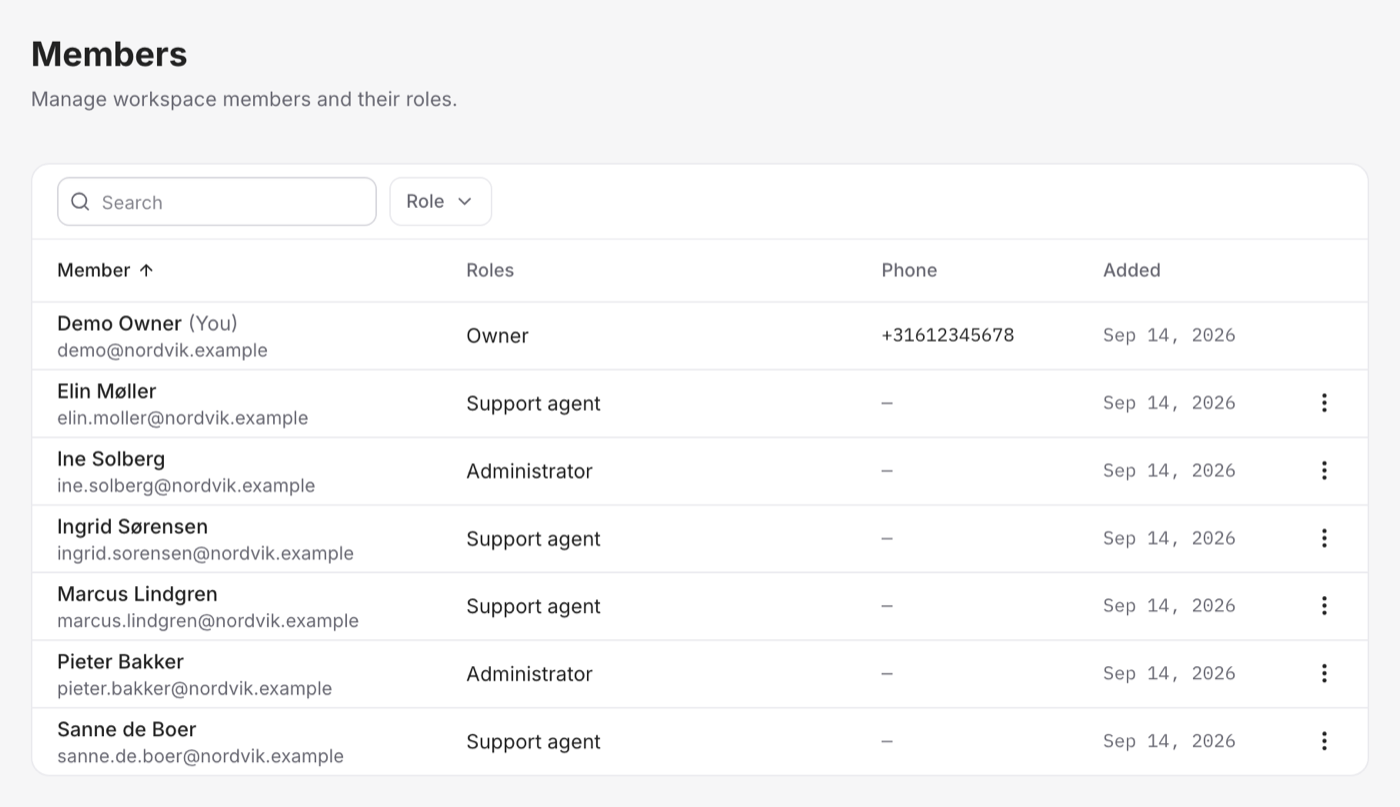
Roles, from most to least access
Each teammate has a role that decides what they can do. The roles step down from full control to focused, day-to-day work:
- Owner — the top of the tree: full control of the workspace, including the account itself. Typically the person who set Vivollo up.
- Admin — full access to everything operational: settings, building, and answering. Your leads.
- Flow Builder — builds and manages the agent (assistants, flows, knowledge) without account-level admin powers. The right role for the people who design how the agent behaves.
- Agent — focused on conversations: reading the inbox, replying, taking over from the AI, resolving. The right role for frontline support staff who don't need to touch configuration.
Match the role to the job: give builders Flow Builder, give frontline staff Agent, and keep Admin and Owner for the few who need the keys to everything.
Inviting teammates
You add people by inviting them to your workspace and assigning a role. Once they accept, they're in — seeing the same conversations and (depending on their role) the same tools you do. A teammate's role can be changed later as responsibilities shift.
Seats and your plan
The number of teammates you can have is part of your plan — each person takes a seat. When you reach your seat limit, you can free one up by removing someone or move to a plan with more seats. You can see where you stand under Plans & limits.
Give people the least access that lets them do their job well. Most support staff only need the Agent role to be fully effective in the inbox — reserve Flow Builder and Admin for the people who actually build and configure. It keeps your workspace tidy and your settings safe.
A note on access for integrations
Beyond human teammates, your own systems can connect to Vivollo through the developer tools — API keys and webhooks — which have their own, separate access. So a script that syncs data doesn't need a human seat; it authenticates with an API key instead.