
Explorer
Filter conversations, compare segments, and read the chats behind each result.
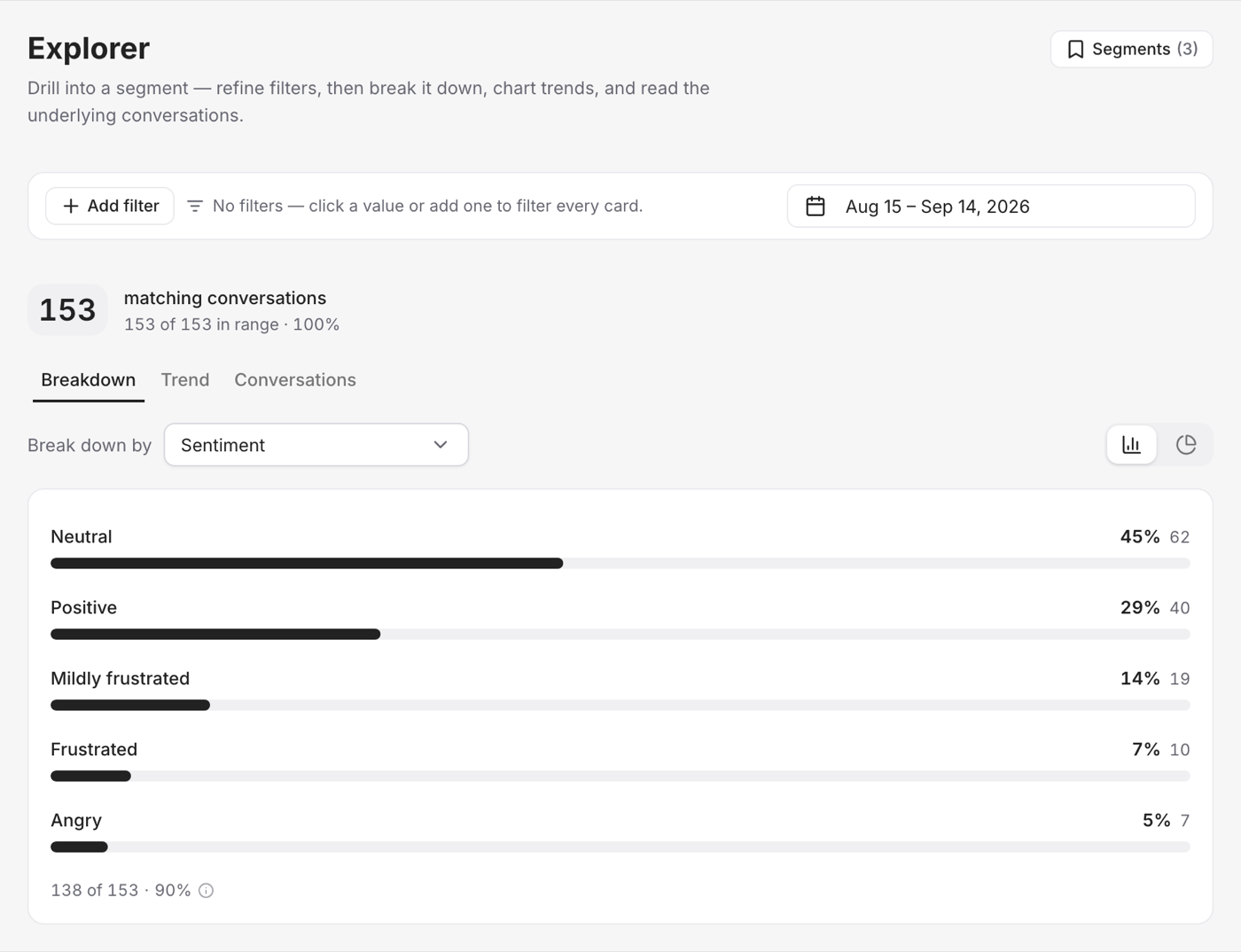
Explorer helps you examine a specific group of conversations.
Available dimensions
You can filter or break down conversations by:
- Content labels such as sentiment, request type, urgency, and topic
- Conversation details such as language
- Visitor details such as device, browser, country, and city
Explore a question
- Choose a dimension, such as Sentiment.
- Select a value, such as Negative, to narrow the results.
- Break that group down by another dimension, such as Topic.
- View the trend over time.
- Open the matching conversations and read what customers said.
You can stack several filters. For example: negative sentiment, high urgency, delivery topic, and Türkiye.
Save a segment
Save a useful filter group to open it again later. This is helpful for tracking the same issue over time without rebuilding the filters.
Always review the actual conversations before making a decision. A chart shows where a change happened; the messages explain what customers experienced.
Use Findings for patterns Vivollo finds automatically, or knowledge gaps for unanswered questions.