
Knowledge overview
Everything your assistant knows — articles, files, synced pages and product catalogs — in one place.
Knowledge is where everything your assistant can say comes from. Write an article, upload a file, or connect a source that stays in sync — it all lands in the same place, and you can see at a glance what is published and what is not.
What is in a collection
A collection holds one kind of content and decides how it is searched.
- Its type — a knowledge base for written content, or a dataset for products, listings or your own records.
- Its content: articles and Q&A you write, files you upload, and pages from a connected source.
- Its fields and filters, which let the assistant narrow results by values such as price, size, stock or category.
Most workspaces have two: a knowledge base for policies and FAQs, and a products collection connected to the store. Each flow chooses which ones its assistant can search.
Two ways to find an answer
- For policies, FAQs and articles, the assistant finds the passage that answers the question, by meaning as well as by keyword.
- For products and listings, it can also filter on real values — price, colour, size, availability.
See How retrieval works.
Start here
- Open Knowledge and create a collection.
- Write an article, upload a few files, or connect a source.
- Publish what is ready. Drafts stay private to your team.
- Ask the assistant the questions your customers actually ask.
- Fix or add content wherever the answer was missing.
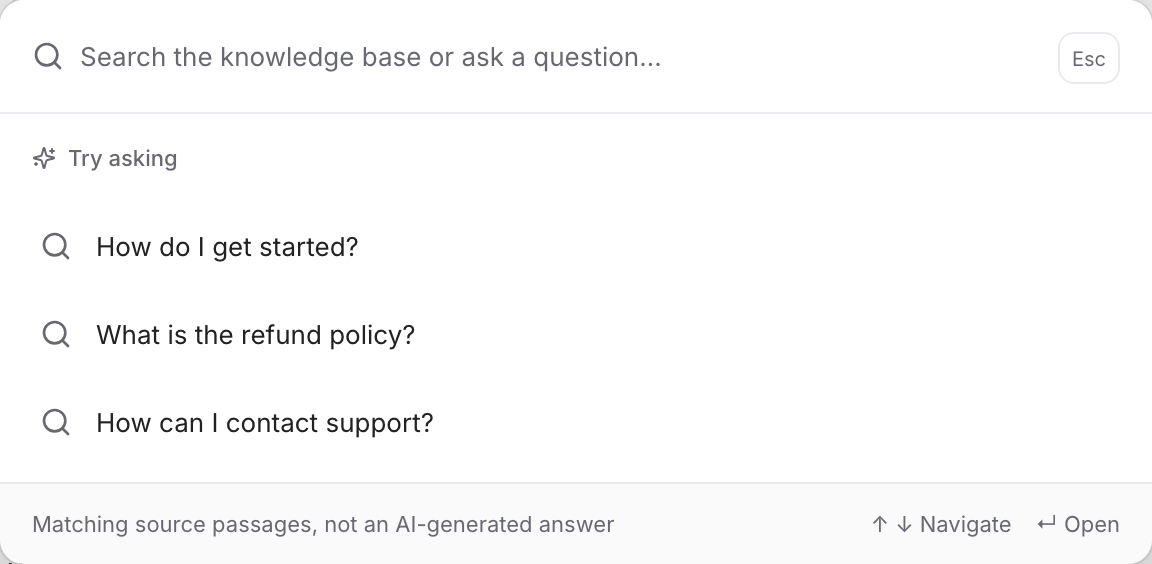
Use Search or ask at the top of Knowledge to see exactly which passages your assistant would find. It shows the source text, not an AI-written answer, so you can tell a missing article from a badly written one.
The assistant can only use what is there and current. Suggestions collects the questions it could not answer, so you can see what to write next — see Knowledge gaps.